
The property looks great, the photo just didn't show it
A dark room, a yellow bulb cast, flat contrast: most listings lose the property at the shoot, not in the decor. Our AI reworks exposure, white balance, contrast and sharpness, without changing anything in the room.
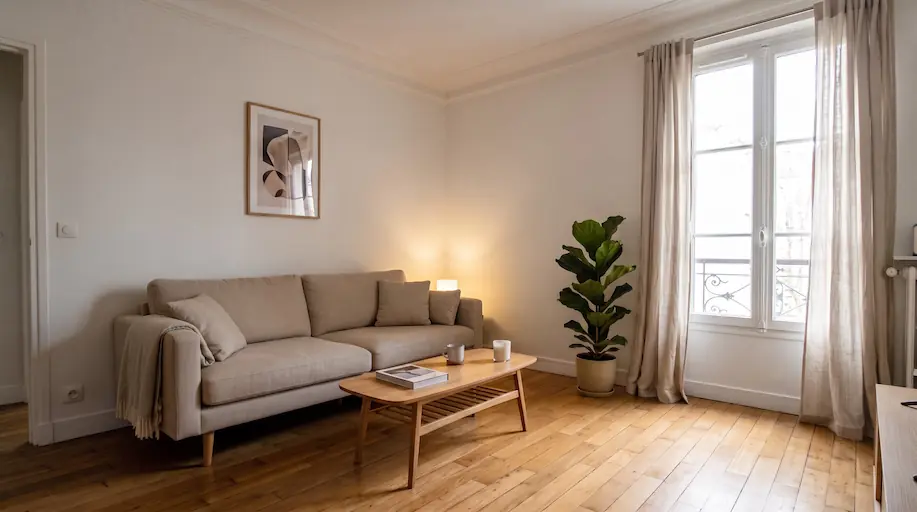
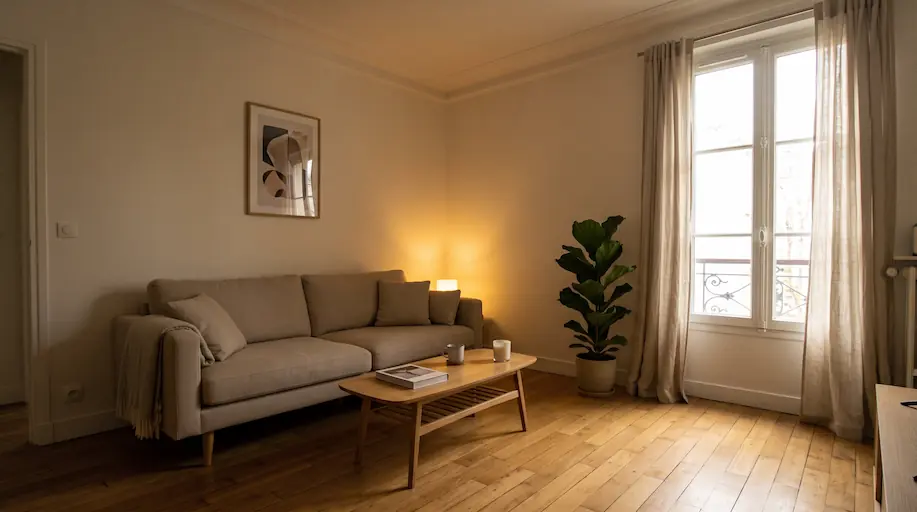
Fix a photo's exposure, colours and sharpness in one click.
A studio-grade development in seconds, with no sliders to touch.
Any listing photo, interior or exterior, shot on a phone or a DSLR.
The AI reads the scene and applies the corrections this photo actually needs, no more and no less.
Get a sharp, well-exposed image that stays true to the property, ready to publish.
The impact on your real estate business
No slider to understand: the AI decides which corrections the photo calls for.
Every photo in a listing gets the same treatment, with no visible shift from one room to the next.
Nothing added, removed or tidied up: only the way the photo is developed changes.
Everything you need to create professional visual content
Dark areas open up and highlights are recovered, without clipping the whites or crushing the blacks.
The yellow of tungsten bulbs, the green of fluorescents and the blue of overcast light are gone: white walls read white again.
Overexposed windows get their frames and light back. The AI never fabricates an exterior view that isn't in the photo.
A gentle curve adds depth, without the grey, milky HDR look of over-processed edits.
Crisp architectural lines and readable materials, with no halos around windows and no sharpening artifacts.
Sensor noise from low-light shots is reduced while the real texture of surfaces is preserved.
Nothing is added, removed, tidied up or repaired: the photo still matches the property the visitor will see.
Download your corrected visuals in high resolution, ready for portals and print material.
Discover how to use this tool in your daily work

Rescue a viewing photographed on the fly between two appointments, without going back on site.

Open up windowless rooms, basements and corridors with no natural light.

Neutralise the orange cast from bulbs that makes white walls look dirty.

Bring contrast and colour back to a facade shot under an overcast sky.

Harmonise a whole gallery so no single photo breaks the series halfway through the listing.
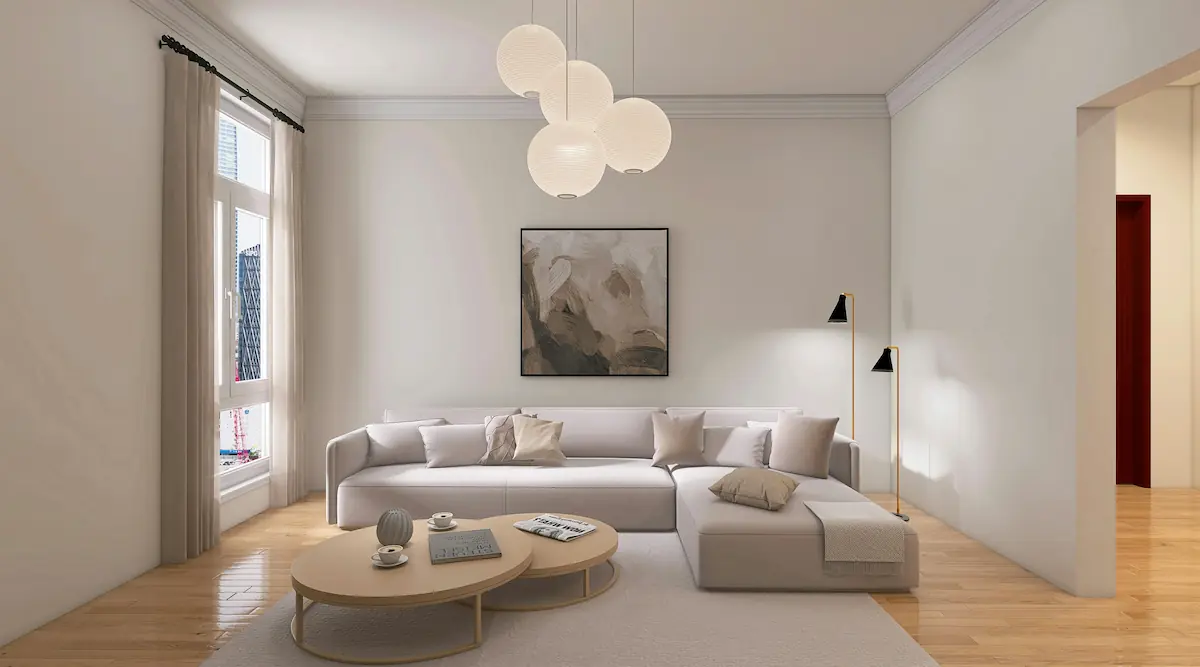
Start from a clean base: the better the exposure, the better the output of every tool applied next.
Photo retouching without software or a photographer
| Inoveo3D AI | |
|---|---|
| Speed | A few seconds |
| Cost | 1 token |
| Skill required | None |
| Consistency across a gallery | |
| Professional finish |
Send us your photos, our team produces every visual for the property and delivers a publish-ready set. Photos within 24 business hours, from €79 incl. VAT per property.
More about AI photo enhancement
Start for free and enhance your listings with more impactful visuals.
A complete suite of artificial intelligence to enhance your listings from every angle.
Instantly empty cluttered rooms to reveal their full potential volume.
Virtually repaint your walls to test new color schemes and vibes.
Guarantee a perfect blue sky on all your exterior photos, regardless of the weather.
Bring your drawings and 2D plans to life by transforming them into realistic renders.
Enhance your gardens and terraces with varied and modern landscaping styles.
Clean up imperfections and smooth out walls for a flawless finish.
Change the covering without touching furniture or rugs.
Furnish and decorate empty rooms with trendy AI styles to boost your listing appeal.
We use cookies
We use functional cookies (necessary for the site to work) and analytics cookies (Vercel Analytics) to improve our service. Analytics cookies are anonymous and do not require your consent per CNIL guidelines, but you can still refuse them. Learn more